
The plugin’s AI provides capabilities to make API calls directly to varius AI providers models, by selecting a specific provider and a desired LLM for each request. Generated content are not routed through any other service – they are received directly from the provider, processed locally and displayed in HTML format for user review. The received articles are also saved locally and can be used later to create WP posts, WooCommerce product descriptions or can be exported as PDF, Open Document among other formats. The saved responses can also be deleted.
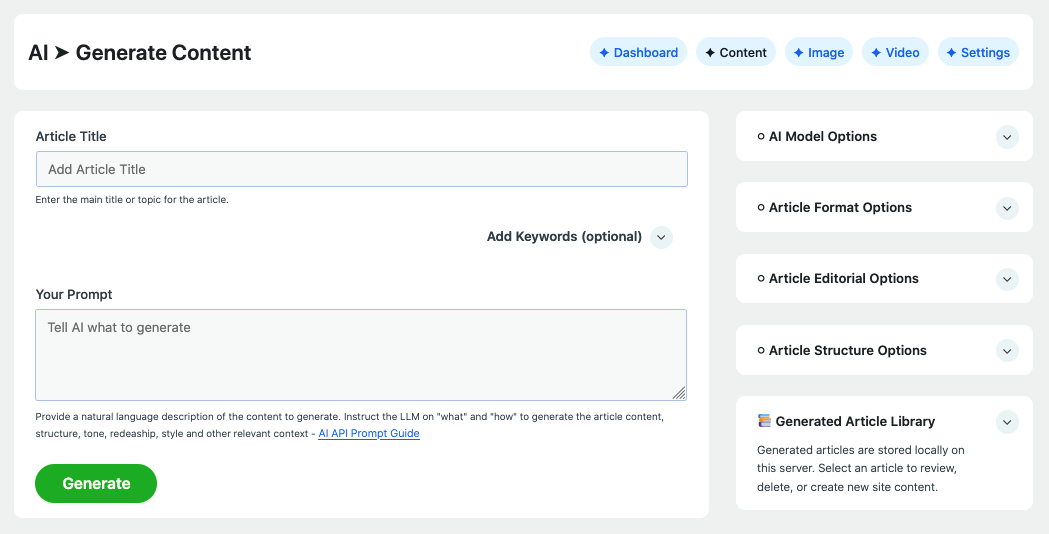
User controls and configuration options are grouped into seven categories on the text generation page:
1. Article Title, Keywords, and Prompt
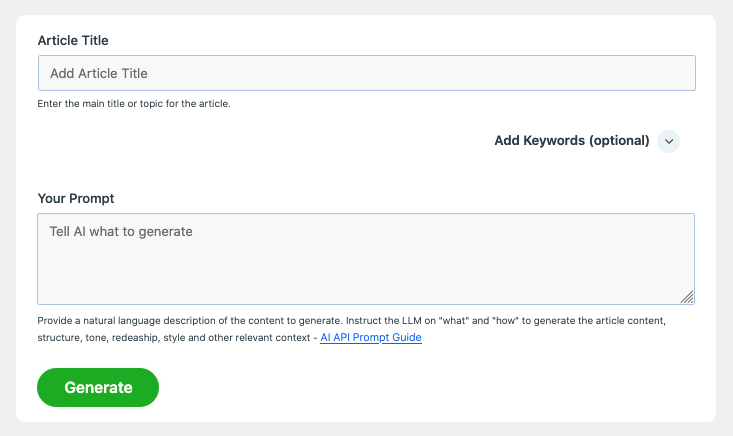
Enter article title, a detailed prompt, and both primary and long tail keywords can be optionally added.
2. AI Model Options
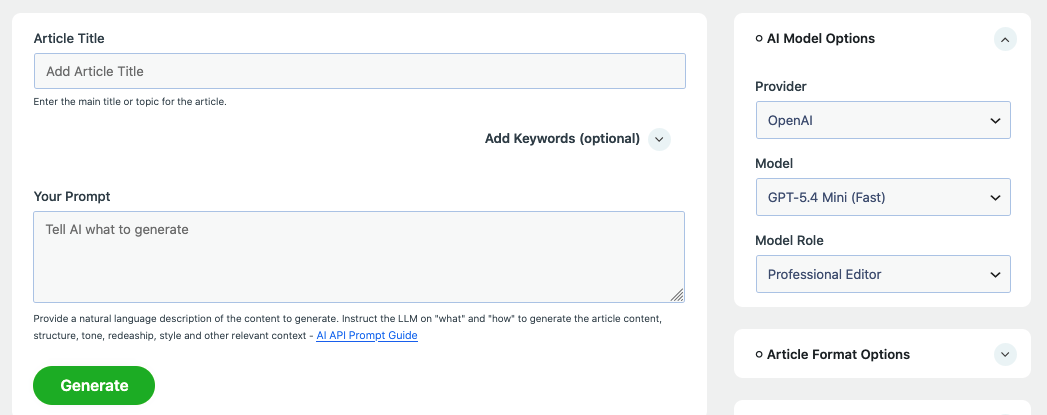
Select a provider, and a LLM for the request. Note that some models may have documented features and characteristics that makes them more appealing for generating specific a types of content. Information about LLM characteristics and features are available in the model’s documentation, which is usually accessible via provider’s API dashboard.
3. Article Format Options
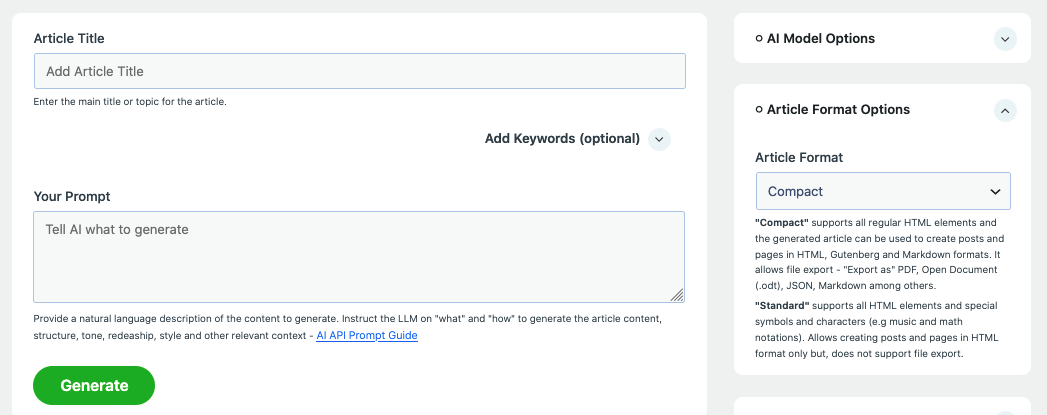
Select whether to generate the article as a standard block or Compact format:
- Standard – supports all HTML elements and special symbols and characters (e.g music and math notations). Allows creating posts and pages in HTML format only but, does not support file export.
- Compact – supports all regular HTML elements and the generated article can be used to create posts and pages in HTML, Gutenberg and Markdown formats. It allows file export – “Export as” PDF, Open Document (.odt), JSON, Markdown among others.
4. Article Editorial Options
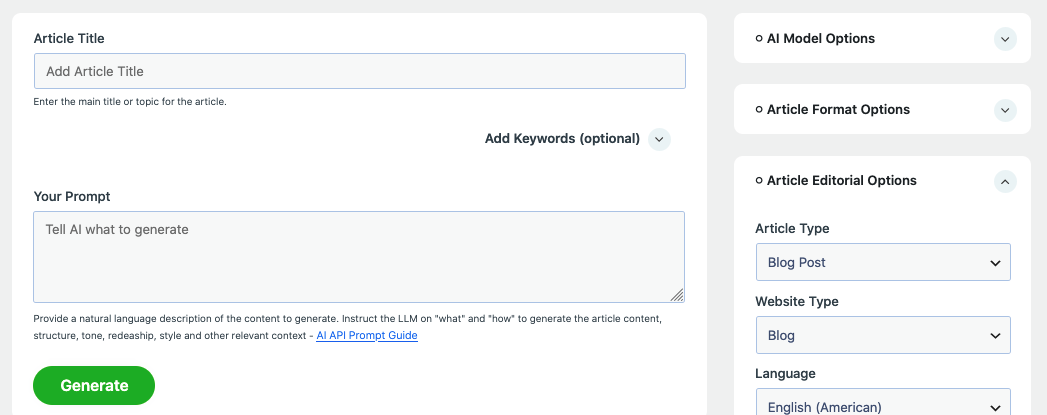
Select various options including article type, site type, language, article audience, tone, temperature, among other.
5. Article Structure Options
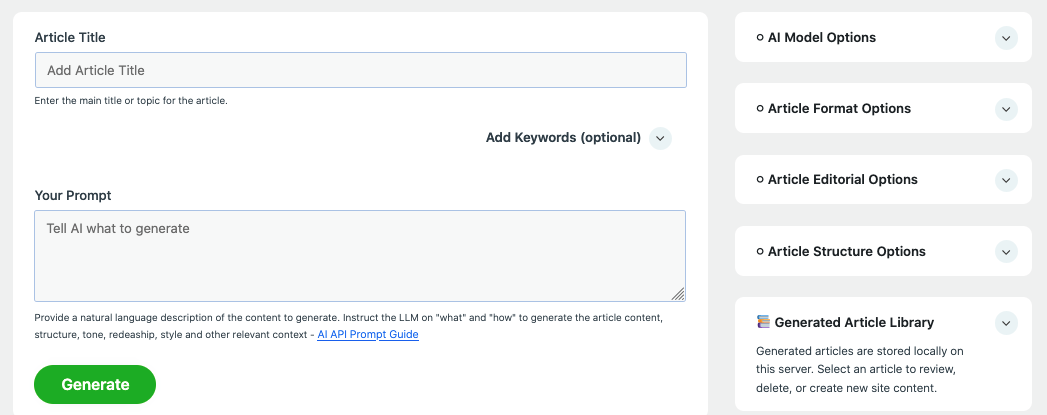
In this section, user can configure the article length, word count, number of sections, among other options that may influence how the article is displayed on the web page.
6. Generated Article Library
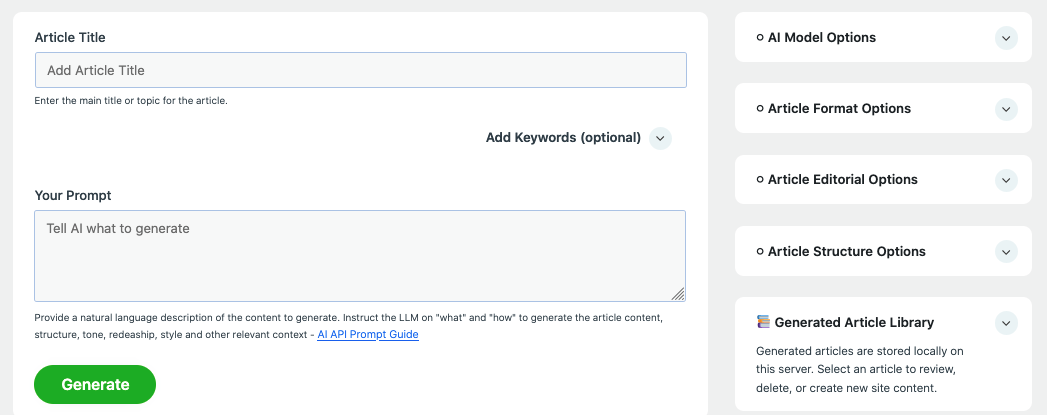
Generated articles are automatically saved locally and are available for future review where the user who generated the article may create a new WP post, WooCommerce product, compatible CPTs. User may also expert the generated article in a supported format or delete it from the local repository.
7. Create Posts / Export Generated Article
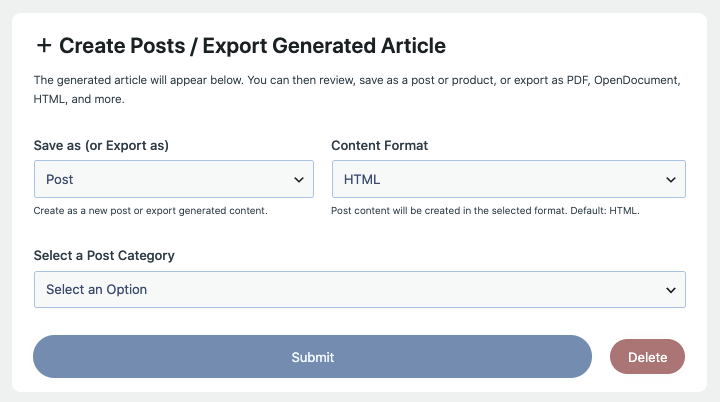
This section allow the user to save or export a generated article. When an article is received from the provider’s API, the article is processed into HTML format and rendered instantly in the preview area. This section includes a submit button which allow creating a WP content or exporting the article for immediate download. The section is responsible for creating content or exporting content from the currently generated article as well as saved articles.