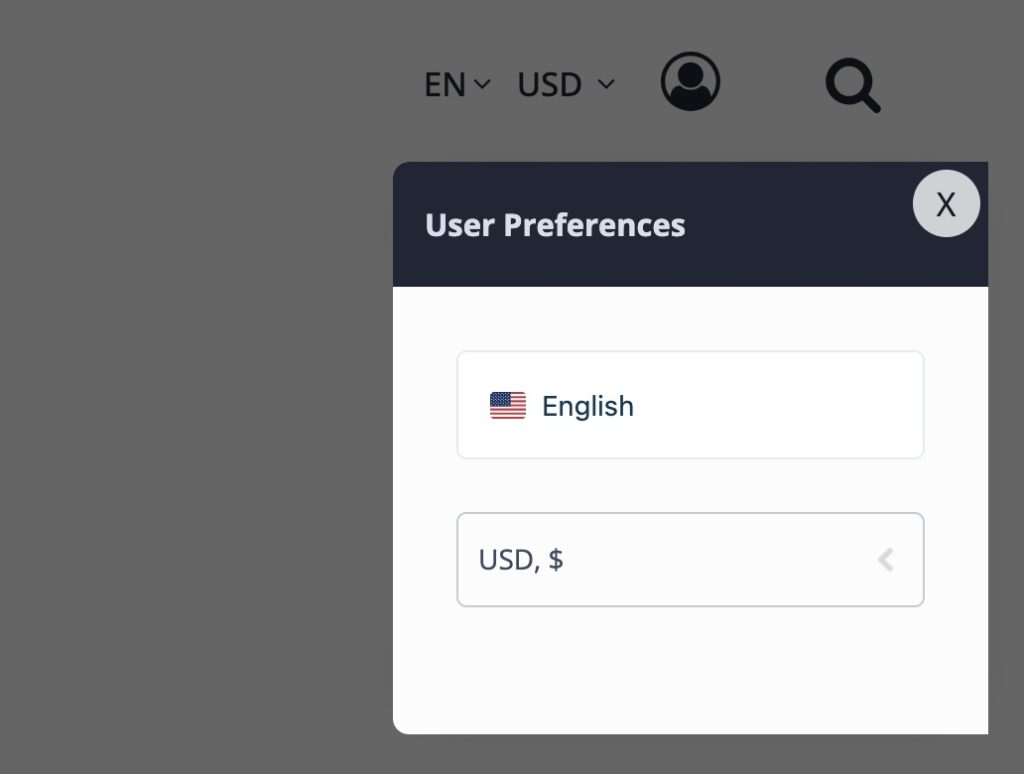
The XXX Theme includes built-in support for multilingual and multicurrency functionality through compatible third-party plugins. When a supported language or currency plugin is installed and activated, you can display a language and/or currency switcher directly in your website header. This allows visitors to browse your site in their preferred language and view prices in their local currency, creating a more accessible and user-friendly experience for international audiences.
The visibility and behavior of the language and currency switcher are controlled from within the theme’s Customizer settings.
How to Enable the Language and Currency Switcher
- Log in to your WordPress website using an administrator account.
- Navigate to Dashboard → Appearance → Customize.
- Click on XXX Theme.
- Select Localization Options.
- Choose your installed language and/or currency plugin from the available options.
Once selected, the appropriate switcher will automatically appear in the site header. Visitors will then be able to change the language or currency based on the options configured within your selected plugin.
Supported Plugins
- WPML
- TranslatePress
- WCML Currency Switcher
- FOX Currency Switcher
Note: The selected plugin must be installed and properly configured for the switcher to function correctly.