
Enable/Disable Page Builder Features in PASS Addons
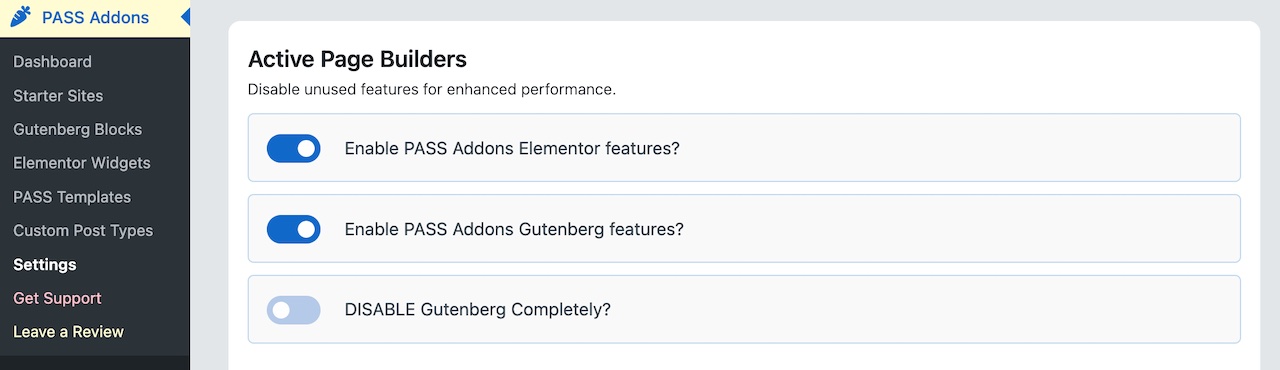
If your site uses only Gutenberg or no page builder at all, you can disable Elementor or both to streamline performance:
- Log in to WordPress admin.
- Navigate to Productive… => PASS Addons → Settings.
- Under Active Page Builders, toggle off Enable Gutenberg/Elementor.
Enable Only the Required Blocks
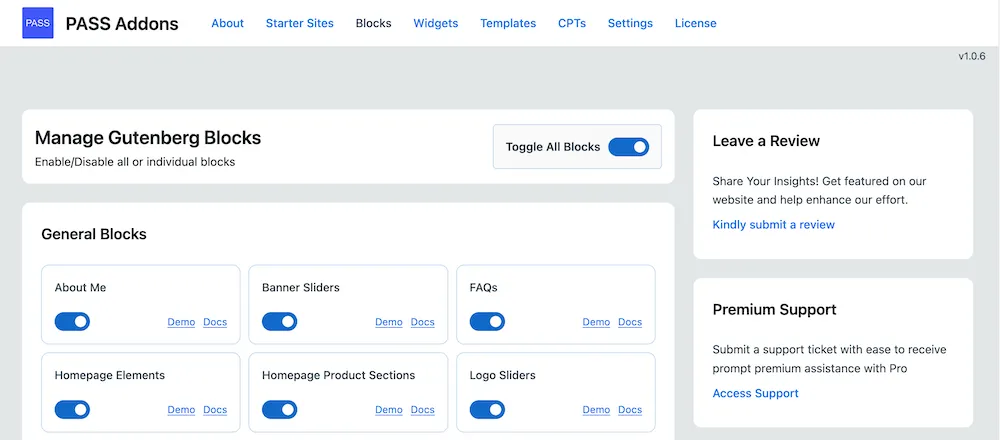
Enable only the Gutenberg blocks you actively use to keep your website lightweight and avoid unnecessary clutter in the editor. This makes editing pages faster and more intuitive.