
Enable/Disable Page Builder Features in PASS Addons
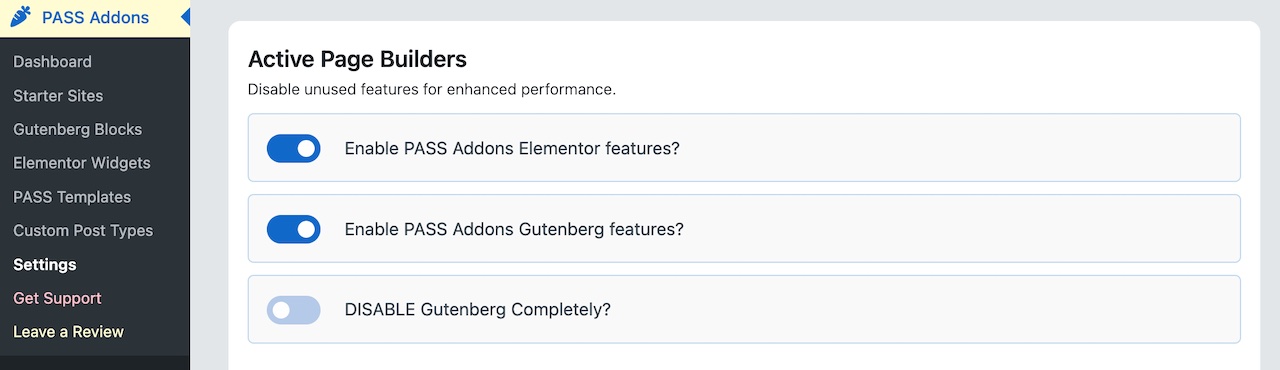
If your website relies solely on Elementor or no page builder at all, it is possible to completely disable Gutenberg features. Doing this can improve website performance by preventing unnecessary scripts and files from loading.
- Log in to your WordPress admin dashboard.
- Navigate to Productive… => PASS Addons.
- Select Settings.
- Under Active Page Builders, toggle off Enable Gutenberg/Elementor.
This ensures only intended featured are active and reduces server load.
Enable Only the Required Widgets
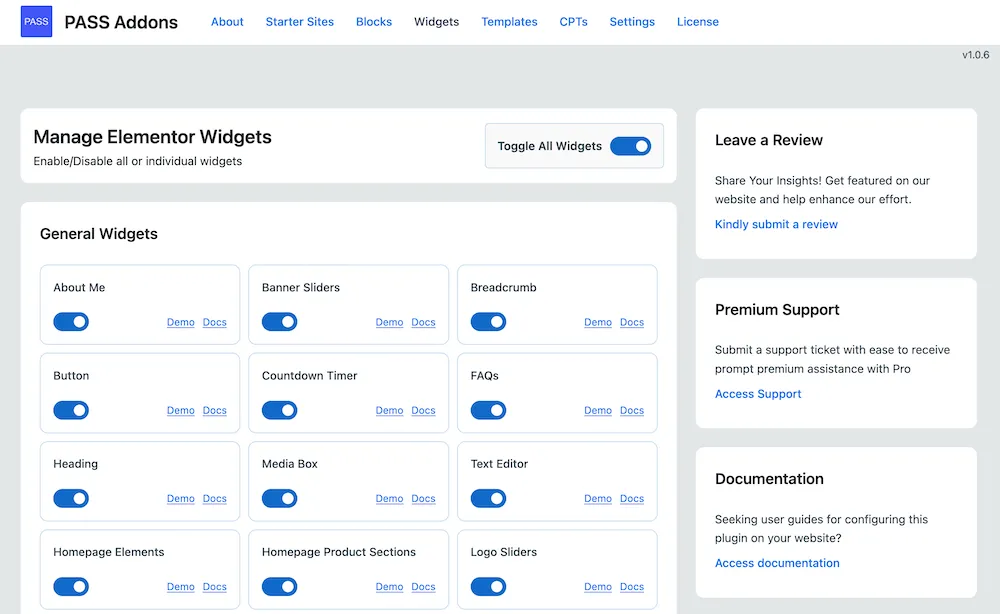
While PASS Addons includes a large number of widgets, not all of them need to be active at the same time. Enabling only the widgets you plan to use helps keep your website lightweight and improves page speed. You can manage this directly in the plugin settings.